Appearance
Creating a merchant
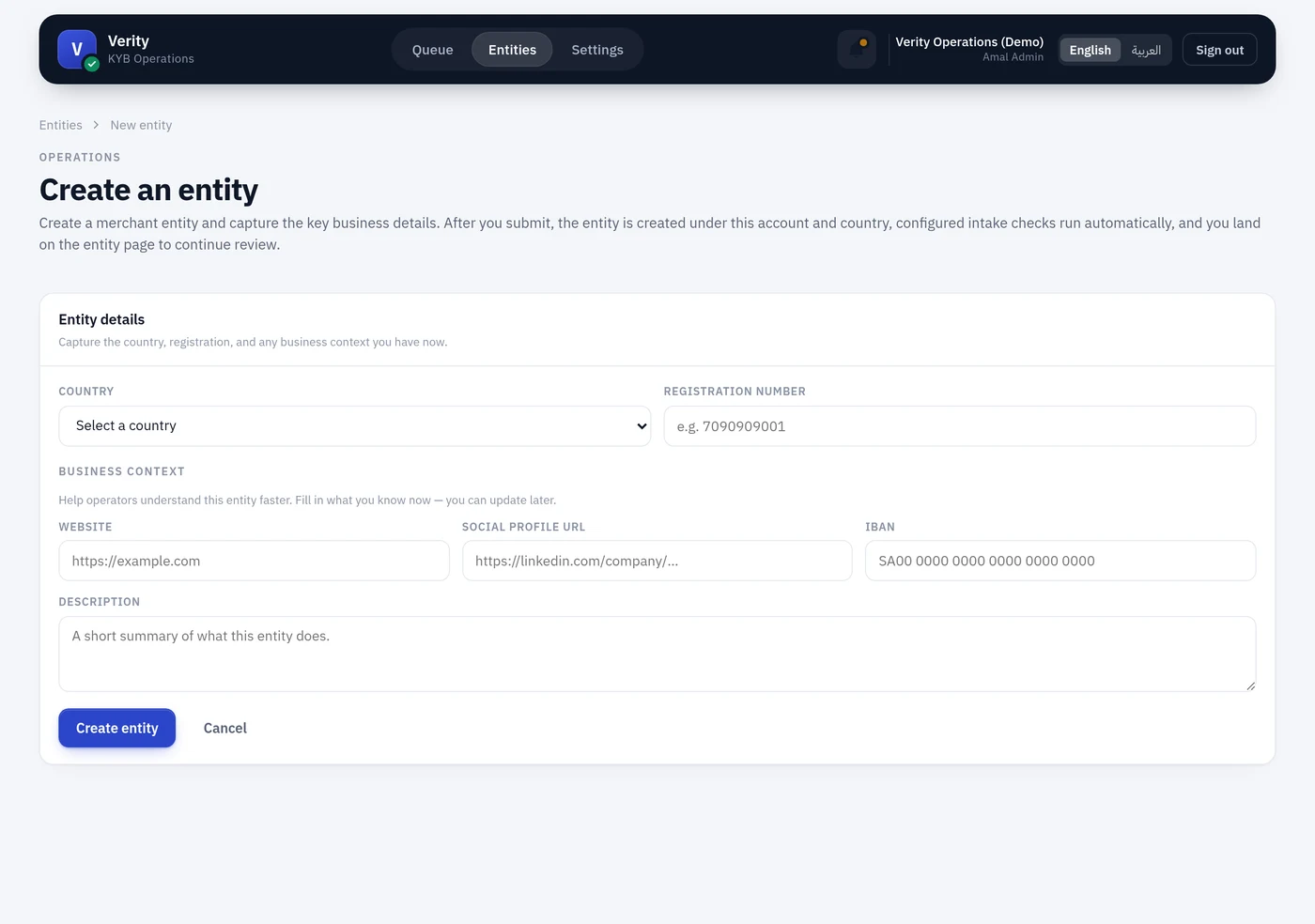
Entities → New entity, needing entity.create.
The form
Two fields.
Registration number — validated against the country's format rule. Saudi Arabia requires the 10-digit unified number beginning with 7 (7XXXXXXXXX).
Not the 1010-style CR number
Wathq returns two numbers: a crNumber (1010-style) and a crNationalNumber (7-prefixed unified number). Verity keys on the unified one. If the form rejects a number that looks perfectly valid, check which of the two you are holding.
Country — only countries with an active configuration on your account appear. If exactly one is configured, it is selected for you and the field does not appear at all.
What happens on save
Creating a merchant is not a cheap operation. Verity immediately runs every check configured as an intake default for that country, which means real provider calls. Expect it to take a few seconds.
The entity opens on Draft with coverage blank, risk not assessed, and an intake posture of either Needs initial checks or Initial checks failed.
Then what
- Fill the operator inputs — website, social, business activity summary, IBAN. These unlock further checks: no IBAN means no IBAN verification, no website means no domain intelligence.
- Run any checks the intake defaults did not cover — contract evidence, portfolio linkage, national address, website scan.
- Run party checks on the people the registration returned — screening, identity, address.
- Assess risk. This is explicit, not automatic: the band carries a timestamp, so it should reflect a moment somebody chose.
- Start a review once the intake posture is Review ready.
Duplicates
Creating an entity that already exists in the account shows the existing record rather than a bare validation error, so you can go straight to it.
Creating over the API
POST /api/v1/entities does the same thing, including running the intake checks. See the API reference.